
Prevent Digital Dry Eye: Screen Time Tips for Back-to-School Season
Back-to-School = More Screen Time
The school year is here and with it comes an unavoidable reality: more hours in front of screens. Whether you’re a student tackling online homework, a teacher preparing digital lessons, or a parent juggling emails and helping with assignments, screen time adds up quickly.
This constant near work isn’t just tiring—it can trigger or worsen dry eye symptoms, leading to:
Dryness or burning
Eye fatigue
Blurred vision
Headaches
Difficulty focusing

The culprit?
Digital Eye Strain, sometimes called Digital Dry Eye—a modern epidemic caused by how we use our eyes in the digital age.
Why Screens Dry Out Your Eyes
When we stare at screens, we blink less often—up to 60% less—and when we do blink, the blinks are often incomplete. That means our tear film doesn’t get evenly spread across the eye, causing it to evaporate faster.
Other contributing factors include:
Blue light exposure from screens
Poor posture and screen positioning
Air conditioning or heating drying the air
Long stretches without visual breaks
Did You Know?
Research shows that incomplete blinking is more common when looking at digital devices than reading print material. Translation: e-books may be harder on your eyes than paper books.
How to Prevent Digital Dry Eye This School Year
1. Follow the 20-20-20 Rule
The 20-20-20 rule is a simple yet effective way to reduce eye strain:
Every 20 minutes, take a 20-second break
Look at something 20 feet away
Blink intentionally while you do it
💡 Pro Tip: Set a reminder on your phone, watch, or computer, or download a free app that prompts you to pause. For younger students, build 20-20-20 breaks into homework time.
2. Blink Like You Mean It
A normal blink spreads fresh tears across your eye’s surface, nourishing and protecting it. But during screen use, we often only do partial blinks, leaving part of the eye exposed and dry.
Blinking Exercise:
Gently close your eyes completely
Hold for 1–2 seconds
Slowly open your eyes
Repeat this 5–10 times during breaks
For patients with incomplete blinks or eyelid muscle fatigue, our OptiLift DMSt (Dynamic Muscle Stimulation Therapy) can help retrain the blinking muscles, improving both comfort and tear film quality.
3. Hydrate Your Eyes Throughout the Day
Don’t wait until your eyes feel irritated—proactively hydrate them.
Our recommendations:
Optase Hylo Relief Eye Drops – Gentle moisture for everyday comfort, preservative-free, and safe for contact lens use.
Optase Dry Eye Comfort Spray – Can be applied with eyes open or closed and is perfect for on-the-go relief without disrupting work or makeup.
💡 Pro Tip: Keep drops or spray at your desk, in your backpack, or next to your computer so hydration is always within reach.
4. Adjust Your Screen Environment
Your workspace setup can make a big difference:
Lower screen brightness to reduce glare.
Increase text size to minimize squinting.
Position screens slightly below eye level to keep eyelids in a natural position, reducing surface exposure.
Add a humidifier in your home office or classroom to combat dry air.

MYTH: “Eye drops alone can fix digital eye strain.”
FACT: While drops help, long-term relief comes from a combination of hydration, better blinking, and environmental adjustments.
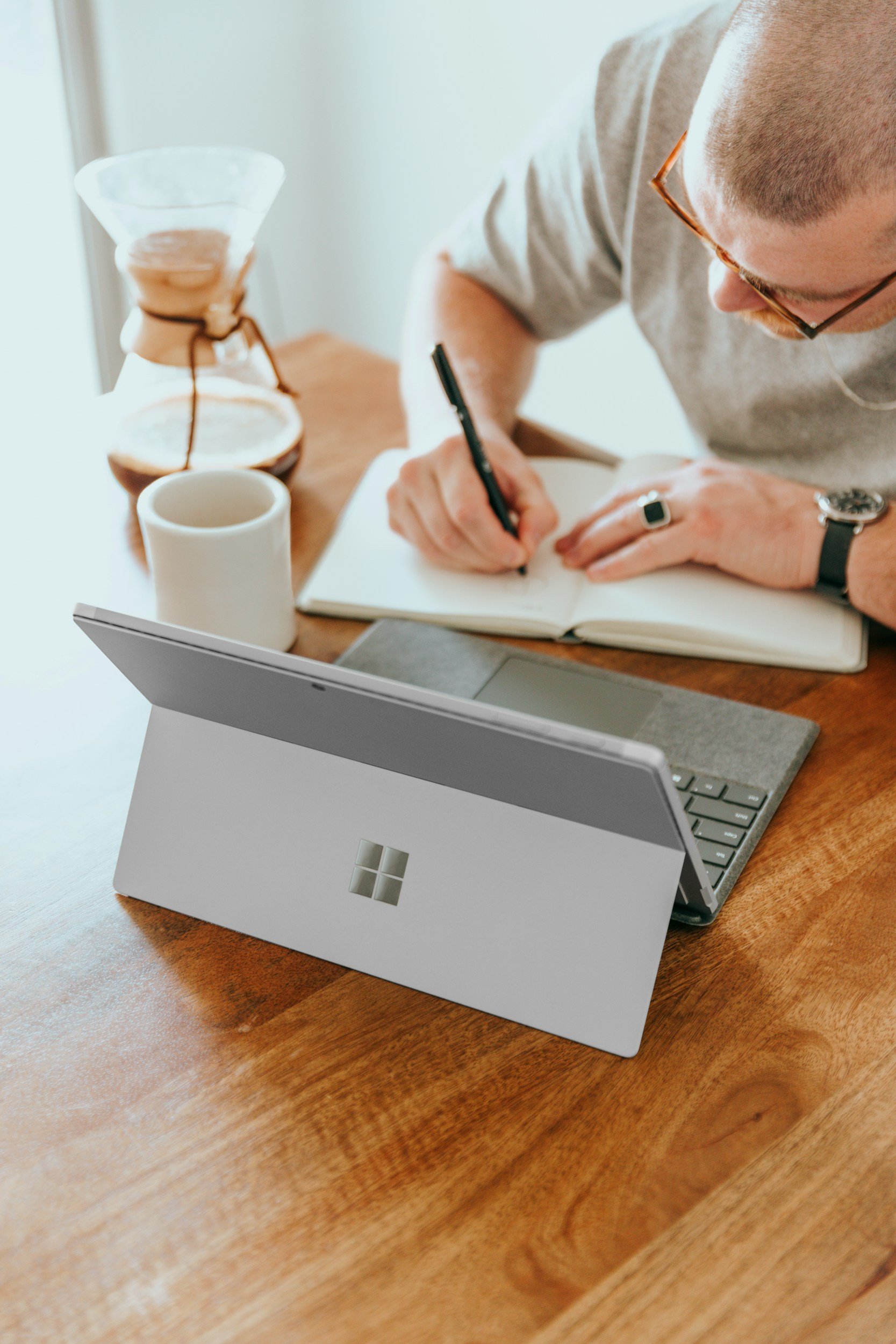
Quick Tips for Screen-Heavy Days:
Dim overhead lighting to reduce glare.
Use a matte screen filter on laptops/tablets.
Keep your device about 20–28 inches from your eyes.
Take longer breaks (5–10 min) every hour.
Don’t Let Digital Strain Disrupt Your Year
With the right habits, tools, and treatments, you can keep your eyes comfortable and your focus sharp.
Book an OptiLift DMSt Treatment – Strengthen eyelid muscles, retrain your blink, and reduce eye fatigue.
Shop Optase Dry Eye Comfort Spray – Quick, easy hydration without pausing your work.
Shop Optase Hylo Relief Eye Drops – Gentle, effective moisture for daily use.
Educational content only; not a substitute for personalized medical advice.
